


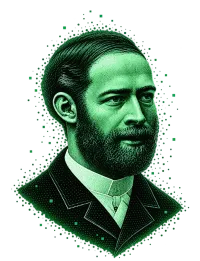
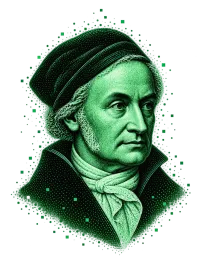
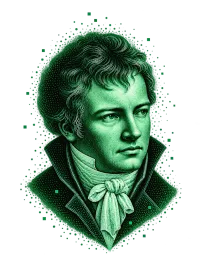
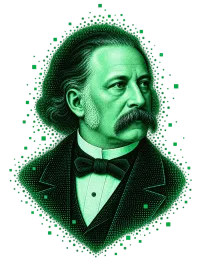
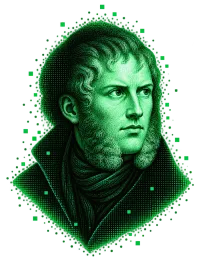
Graphics in the style of your brand.
A random stock image often just makes content longer. Friedrich – the image model of BrandZaps – creates images and graphics directly in the editor, in your brand's colours and visual language and exactly where the text needs them.
Images with a clear purpose.
Image generators deliver images with no reliable link to the brand or the text. BrandZaps treats the image as part of the article: it is created where the brief or text calls for a visual explanation.
A suggestion without a title is not an image idea but a placeholder.
What is shown, in what form and with which elements.
In one sentence. That makes clear why the image is in the article.
An image that only decorates does not automatically make the page better. Friedrich does not produce decoration in advance.
In the brand's style, alongside the text.
Friedrich takes colours and visual language from the brand profile. The visual direction is not described anew each time – it is available as part of the BrandZaps context.
Alongside the writing, without an extra click.
A fixed upper limit instead of an image gallery.
No finished result that suddenly appears after a long wait.
So that text in the graphic does not fray.
Versions instead of overwriting.
A finished image can be regenerated. The new version only replaces the old one when you swap them – the existing result is kept while you review an alternative.
Instead of a generated image, you can drop in your own image by drag and drop at any time.
JPEG · PNG · WebP · up to 12 MBSecure storage, clean handover.
If an image must not be generated for content reasons, BrandZaps explains why. You don't just get an incomprehensible error message.
 Non-public project storage
The editor loads images via time-limited URLs. The generated image belongs to the project and is not served from publicly accessible storage.
In the download package
Images are included as files. The Markdown contains a reference to the file next to it; in the Word document, the image is embedded.
Text and image stay together
The same content is passed on in the intended formats without separating the image files from the text.
AI editor →An image is strong when it shows the reader something.
Graphics that fit the text, the purpose and the brand's visual foundation – right where they belong in the article, without detours.